Your menu. In 5 languages.
Take a photo of your menu – the AI reads dishes, prices and allergens. Pick one of 92 designs, have the menu translated into German, French, Italian and Spanish, and print the QR code. Your guests read it in their own language.
- 1 menu free forever
- No credit card needed
- Translation from Start
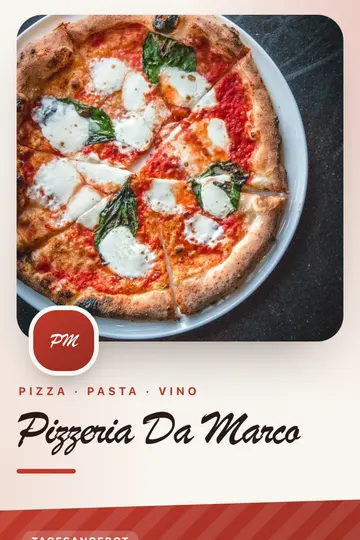
Sample menu in the “Margherita” design. Translation is available from Start.
How it works
Four steps from paper to a menu in several languages.
Photograph your menu
Upload up to 4 photos or a PDF. The AI reads dishes, prices and allergens; you check and correct. Or type the menu in yourself.
Pick a design
92 restaurant designs for 11 types of venue, 59 of them with a photo. The free plan comes with the standard design.
From StartTranslate
One click per language: German, French, Italian and Spanish. Prices, your venue’s name and allergen codes stay as they are. You review every line before it goes live.
From StartPrint the QR code
PNG, SVG or PDF for tables, table tents and windows. When the menu changes, you change the page – the printed code stays.
Everything a menu on the table needs
Each feature with the plan it starts from.
Allergens
All 14 allergens on the EU list, as letters or numbers. Below the menu, the key appears in the guest’s language – in 5 languages.
All plansDaily special
Sits at the very top of the menu, with a price and an end date if you like. Changed in seconds, no new code.
All plansLunch and dinner menus
Scheduling switches the QR code’s destination by itself: breakfast, lunch, dinner – by weekday too.
From ProOrder buttons
7 delivery services such as Lieferando, Wolt, foodora, plus phone, WhatsApp and your own shop. Order at the table through 10 POS apps such as orderbird, gastronovi – up to 60 table codes at once.
All plansReviews and feedback
“Review us on Google” and “Review us on TripAdvisor” buttons on every plan. Plus star-rated feedback that lands straight in your dashboard – from Start.
All plansChange without reprinting
New price, dish sold out? You change the page, the code on the table stays. 3 changes a month on the free plan, unlimited from Start.
All plans
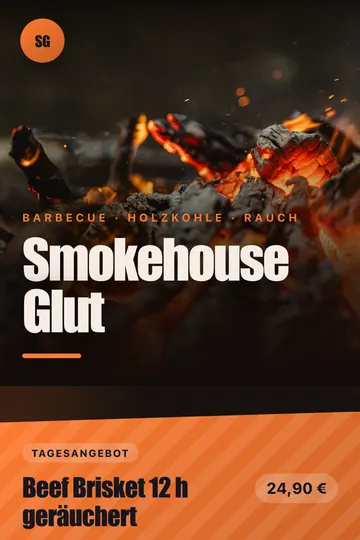
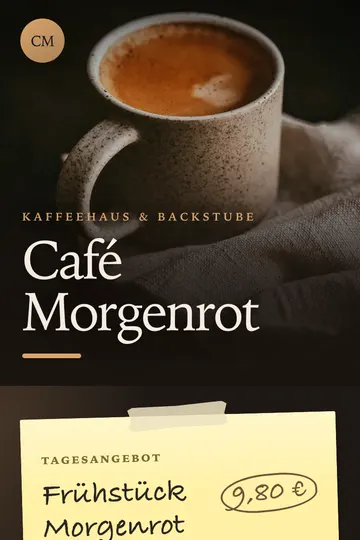
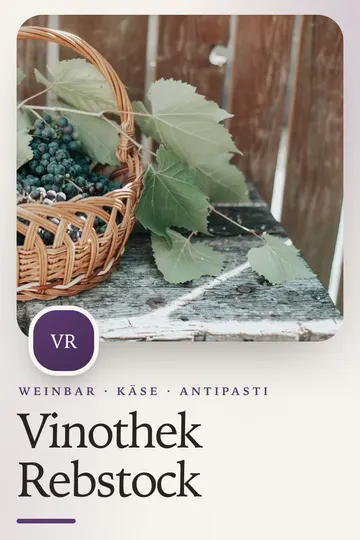
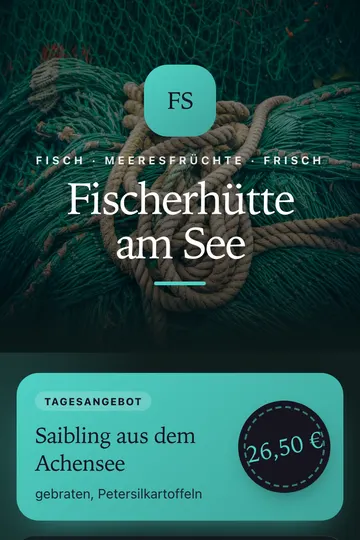
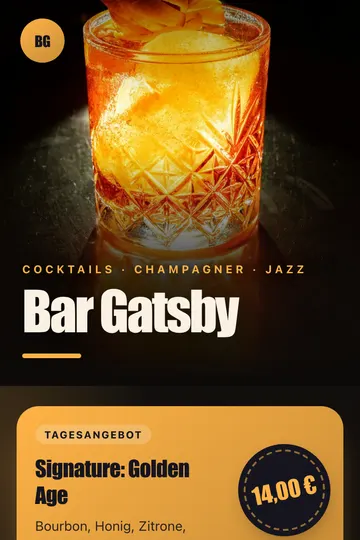
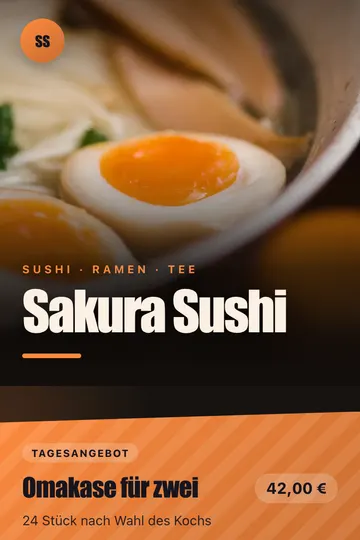
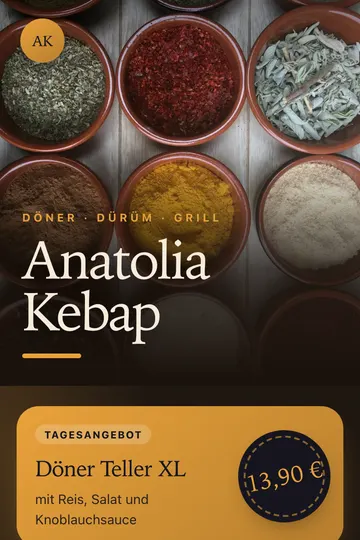
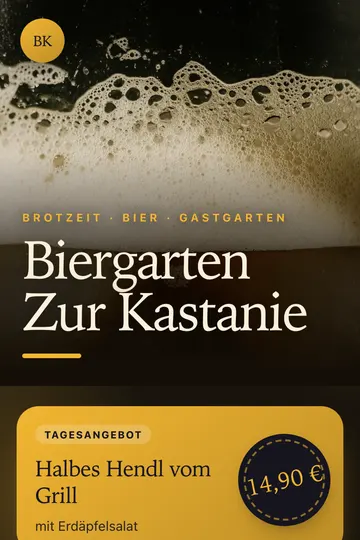
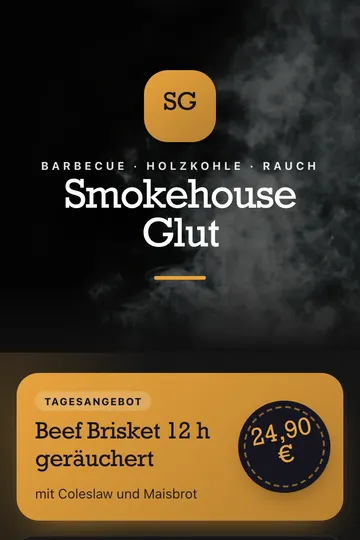
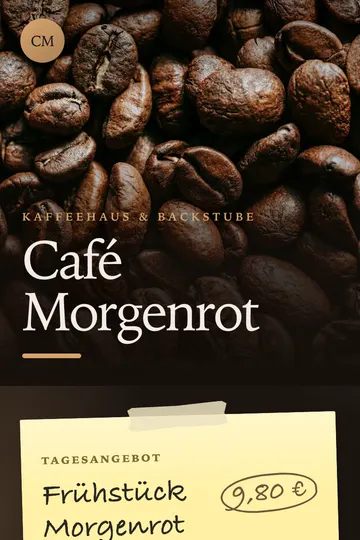
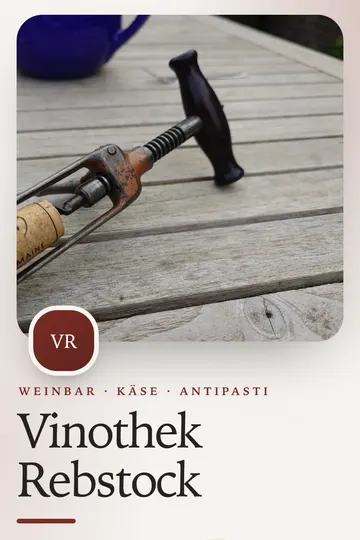
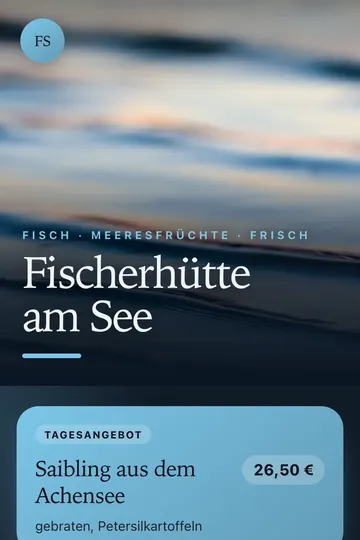
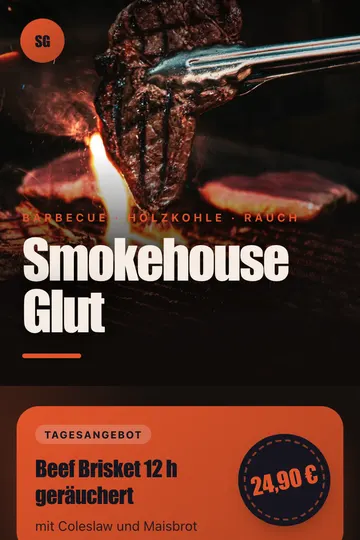
Designs that look like a restaurant
A selection with real sample content. You’ll find all 92 in the editor after signing up – from Start.
What it costs
Free: 1 menu in the standard design. Designs and translation from Start.
- 1 menu in the standard design
- Read in a menu from a photo 1×
- 3 changes a month
- Allergens, daily special, order and review buttons
- 5 pages in all 92 designs
- Menu in 5 languages: 10 translation runs a month (one per language)
- Guest feedback, clicks on order buttons
- Read in from photos 60× a month, unlimited changes
- 25 pages
- Lunch and dinner menus by schedule
- Enquiry page with contact form, e.g. for parties and catering
- 30 translation runs a month
- 100 pages – for several venues or as an agency
- 100 translation runs a month
- Everything in Pro
Frequently asked questions
Do I need my own website or an app?
No. Your menu lives on Same-QR as a page of its own. Guests scan the QR code and see it in the browser – no app, no sign-up.
What is free, and what does it cost?
Free: 1 menu in the standard design, reading in from a photo 1× and 3 changes a month, no credit card. All 92 designs, translation and guest feedback come with Start (€5.90 a month), scheduling with Pro (€14.90 a month).
How does the translation work?
The AI translates dishes, descriptions, categories and the daily special. Prices, your venue’s name and the allergen codes stay unchanged. You review and correct every line before you apply it. If you change a dish later, only what changed is translated again.
Which language do my guests see?
The first language in their phone settings that your menu offers. If a guest speaks none of the 5 languages, they get English if you have translated into it – otherwise the original. At the top of the menu they can switch at any time – with codes such as EN or FR, no flags.
Do I have to reprint after every change?
No. The QR code always points to your page. Whatever you change there, guests see on their next scan. The free plan includes 3 changes a month; from Start they are unlimited.
How do allergens get onto the menu?
When reading in from a photo, the AI recognises codes such as “A, G” or “1, 7”; you can also type them into the extra line yourself. Below the menu, guests then see a key to the allergens used, in their language – in 5 languages.
Your menu, ready for guests from everywhere
Create your first menu for free. No credit card needed – add designs and translation from Start.
Create your menu for free